

Your profile picture doesn’t have to be serious.
A Goofy Ahh PFP is the fastest way to tell the internet “I’m here for the chaos.” Whether you’re in a Discord server, posting on TikTok, sitting in a school Zoom call, or just scrolling, the right goofy ahh profile picture instantly levels up your online personality.
This is the complete starter guide to Goofy Ahh PFPs — what they are, why they slap, and where to get the best ones.
What Is a Goofy Ahh PFP?
A Goofy Ahh PFP is a meme-style profile picture that looks intentionally weird, silly, distorted, or just plain ridiculous.
“Goofy ahh” is internet slang that basically means “very goofy” or “absurdly silly.” Pair that with “PFP” (profile picture) and you get the perfect digital face for brainrot humor, 21st-century meme energy, and pure unserious vibes.
These aren’t polished selfies. They’re fisheye faces, glowing eyes, Quandale Dingle edits, cartoon characters doing the Griddy, AI-generated uncanny valley looks, and random cursed photos that make people laugh the second they see your profile.
Why Goofy Ahh PFPs Are Everywhere in 2026
- Instant personality — no bio needed
- Perfect for Discord, TikTok, Instagram, and group chats
- School-safe options that still get laughs
- Easy to match with meme usernames
- Animated versions hit even harder on Discord Nitro
- They turn boring profiles into conversation starters
People don’t just use them for fun. They use them to signal “I’m in on the joke.”
Best Goofy Ahh PFP Categories
Here are the most popular styles right now:
1. Classic Brainrot Faces
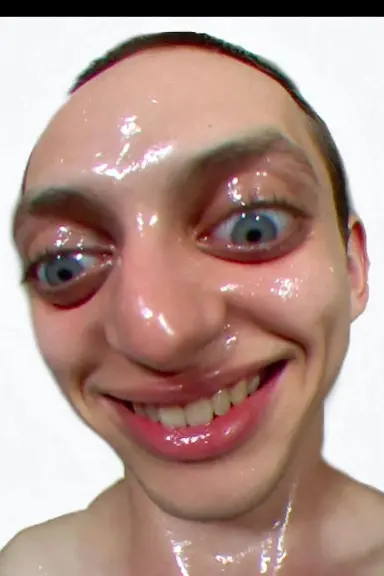
Distorted selfies, extreme fisheye lenses, and “NPC” expressions. These are the purest form of goofy ahh.
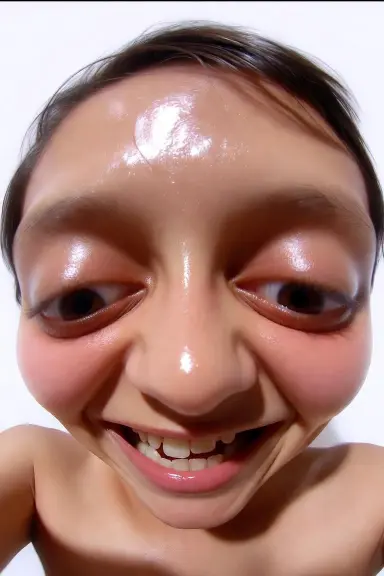
2. Quandale Dingle & Meme Character Edits
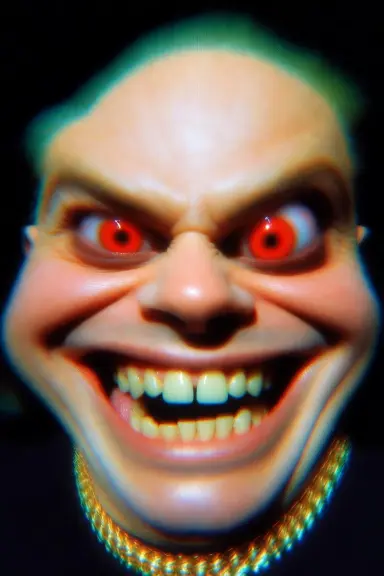
The legendary Quandale face, deep-fried edits, and random meme characters with glowing eyes or sigma captions.
3. Cartoon Chaos
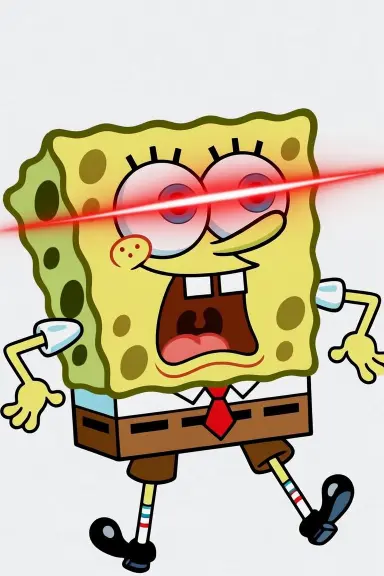
SpongeBob with laser eyes, Patrick Star looking lost, Homer Simpson mid-brainrot, or Disney’s Goofy in full meme mode.
4. School-Safe / Clean Versions
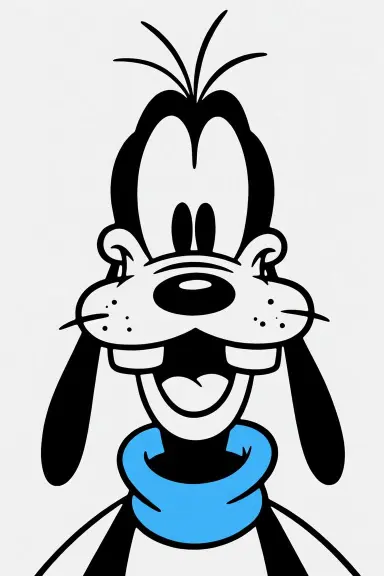
Cute but still silly cartoons, funny animal faces, and light-hearted edits that won’t get you in trouble with teachers.
5. Discord-Ready Animated GIFs
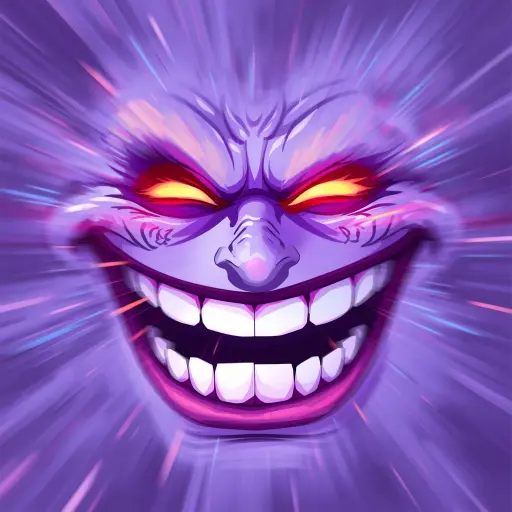
Moving PFPs that loop forever — perfect for meme servers and gaming guilds.
6. AI-Generated Weirdness
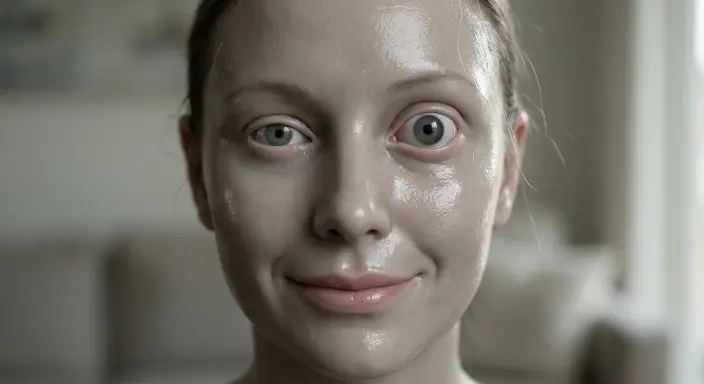
Uncanny valley faces, alien-looking humans, and “ahh humans” style edits that feel slightly cursed in the best way.
7. Griddy & Dance Edits
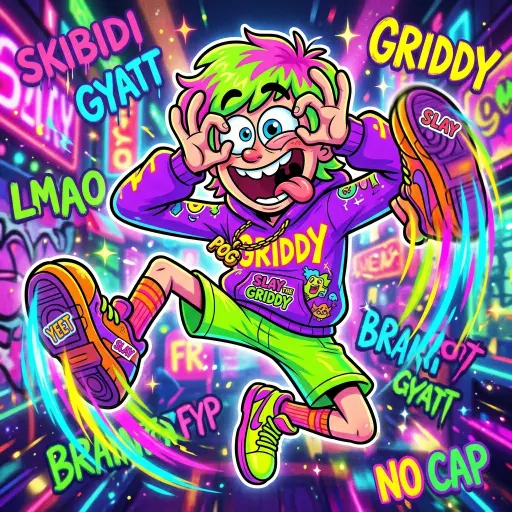
Characters mid-Griddy or doing other brainrot dances with goofy filters layered on top.
How to Use Goofy Ahh PFPs
- Discord → Instant server personality. Matching PFPs with friends hits different.
- TikTok → Makes your account look like a meme page from the first second.
- School / Google Classroom / Zoom → Stick to clean cartoon versions.
- Gaming profiles → Pair with chaotic usernames for maximum aura.
- Group chats → Guaranteed to get reactions.
How to Make Your Own Goofy Ahh PFP (Free & Easy)
You don’t need Photoshop. Here’s the simple method most people use:
- Pick a random face, cartoon, or photo (yours, a meme character, or public domain).
- Apply heavy filters — fisheye, distortion, glow, deep-fry, or color shift.
- Add text if you want (“Sigma Mode”, “NPC”, “Goofy Ahh”, etc.).
- Export and upload.
Free tools that work great:
- PicsArt (best for quick filters)
- CapCut (easy text + effects)
- Canva (templates + animation)
- Photopea (browser Photoshop)
- EZGIF (for turning videos into animated PFPs)
Important Tips & Meme Etiquette
- Don’t use real people’s faces without permission.
- Keep school versions clean.
- Avoid anything actually offensive — the joke is silliness, not toxicity.
- Public domain, meme templates, and original edits are the safest options.
- If you’re using it on multiple platforms, keep a consistent style so people recognize you.
Frequently Asked Questions
What does Goofy Ahh PFP mean?
It’s a funny, absurd, or intentionally silly profile picture used for meme energy online.
Can I use Goofy Ahh PFPs at school?
Yes — just stick to cartoon characters and clean edits. Avoid anything too cursed or inappropriate.
Where can I find free Goofy Ahh PFPs?
Pinterest, Reddit, Discord meme servers, and of course right here on Goofy Ahh Pictures. We’re constantly adding new ones.
How do I make an animated Goofy Ahh PFP?
Record or find a short funny clip, then convert it to GIF with EZGIF or CapCut. Discord Nitro users get the full animated experience.
Why are Goofy Ahh PFPs so popular?
Because the internet is tired of perfect selfies. People want humor, personality, and pure brainrot energy in their digital faces.
That’s everything you need to start your Goofy Ahh PFP era.
Pick one that makes you laugh every time you open the app, set it, and watch the reactions roll in. The more unserious it looks, the better it works.
New collections coming soon — stay goofy.
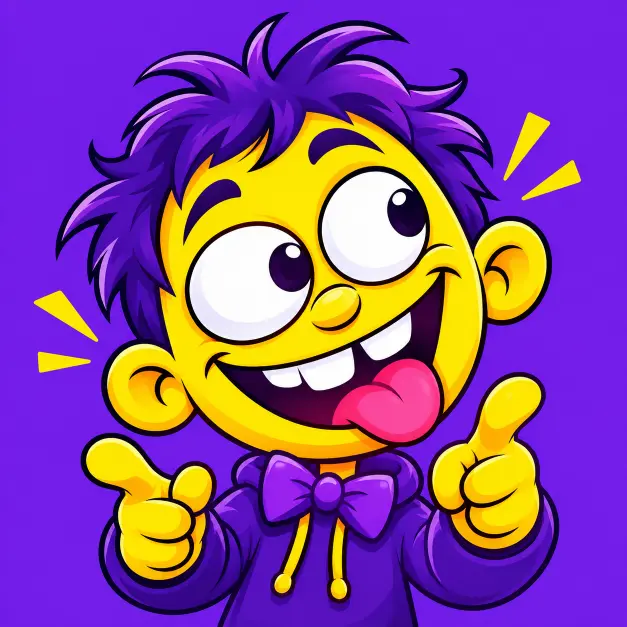
MR Goofi is the founder of Goofy Ahh Pictures with 5+ years of experience in meme curation, image editing and viral content trends. He creates and organizes funny pictures, memes, PFPs, wallpapers and GIFs so every visitor can find the perfect laugh in seconds.