

A good goofy ahh pfp does one job: it makes people stop scrolling and say “why is that your profile picture?” No filters, no aesthetic, no effort. Just attitude in a tiny square.
Below are 20 goofy ahh pfp ideas sorted into three vibes: chaotic, deadpan and cursed. Pick the one that matches your personality (or your worst impulses), then check the quick guide at the end on how to save and crop it.
How to Pick Your Goofy Ahh PFP
- Chaotic is for people who reply to everything with three voice notes.
- Deadpan is for people who never react but are always judging.
- Cursed is for people who want the group chat slightly uncomfortable.
All 20 are square, so they fit Discord, Instagram, TikTok, WhatsApp and most other apps.
Chaotic Goofy Ahh PFPs
Loud, unhinged and impossible to ignore.
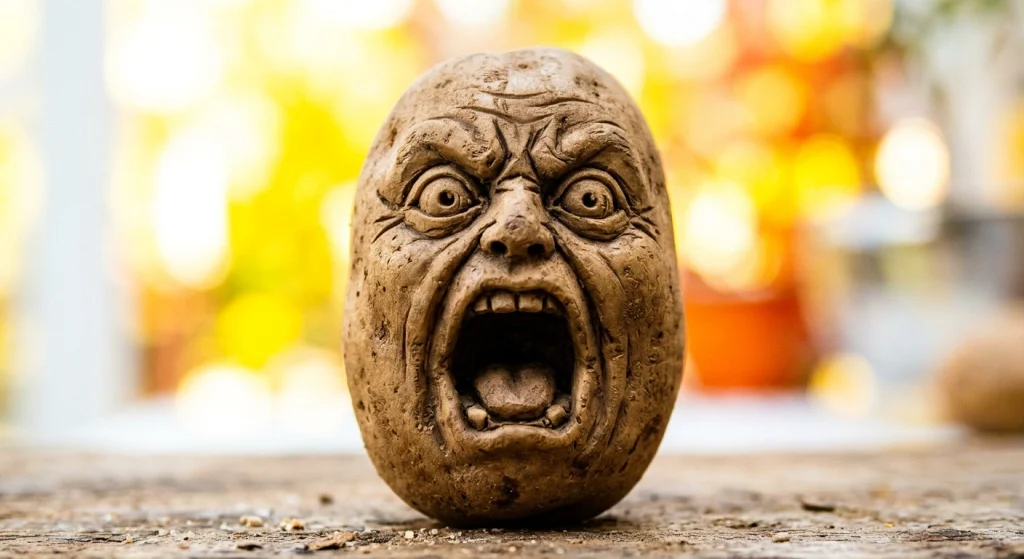
1. The Screaming Potato
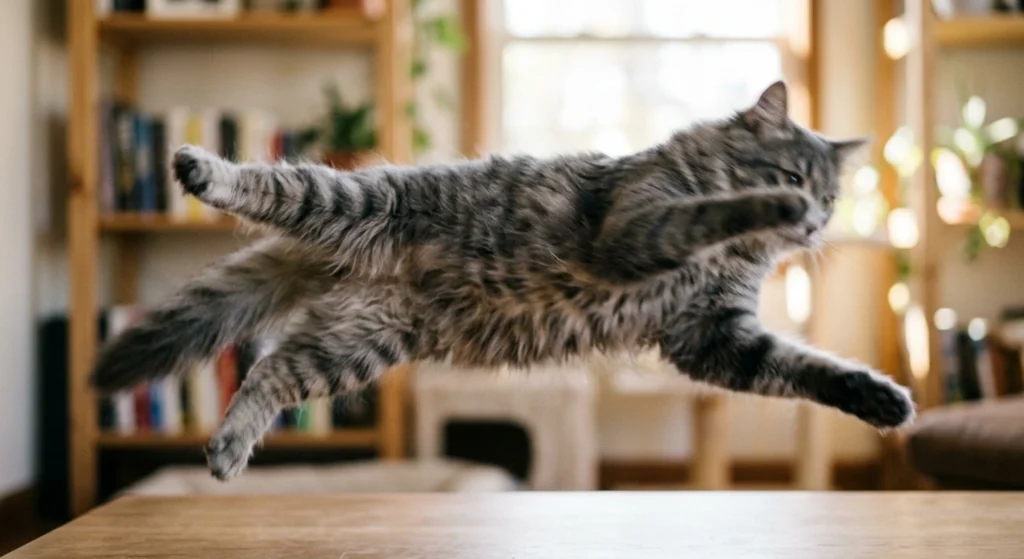
2. Blurry Cat Mid-Jump
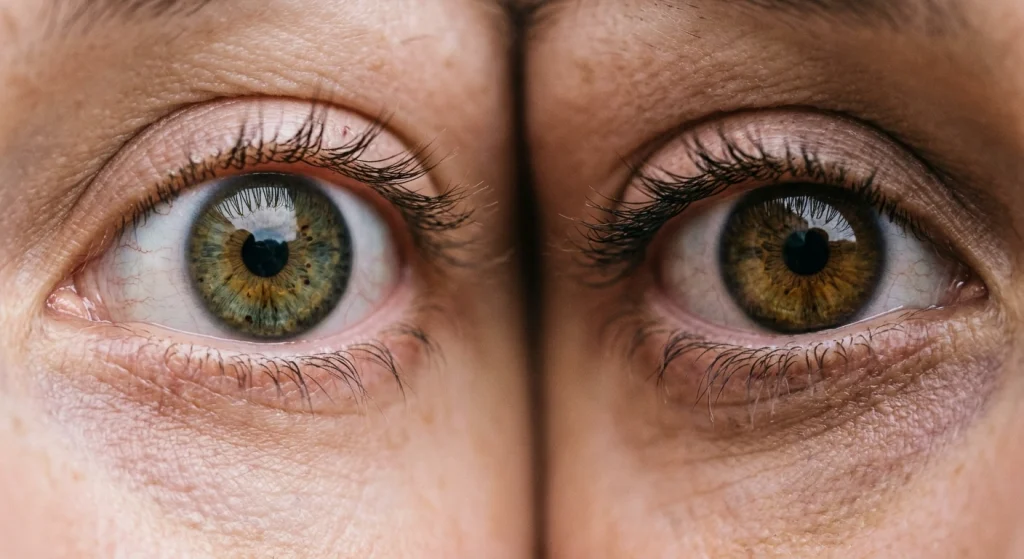
3. Zoomed-In Eyeballs
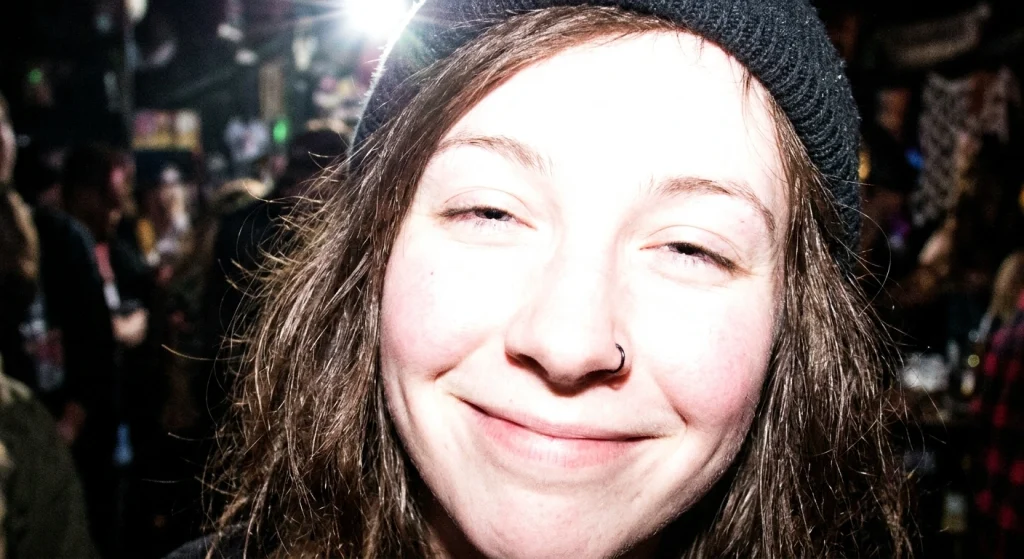
4. The Overexposed Selfie
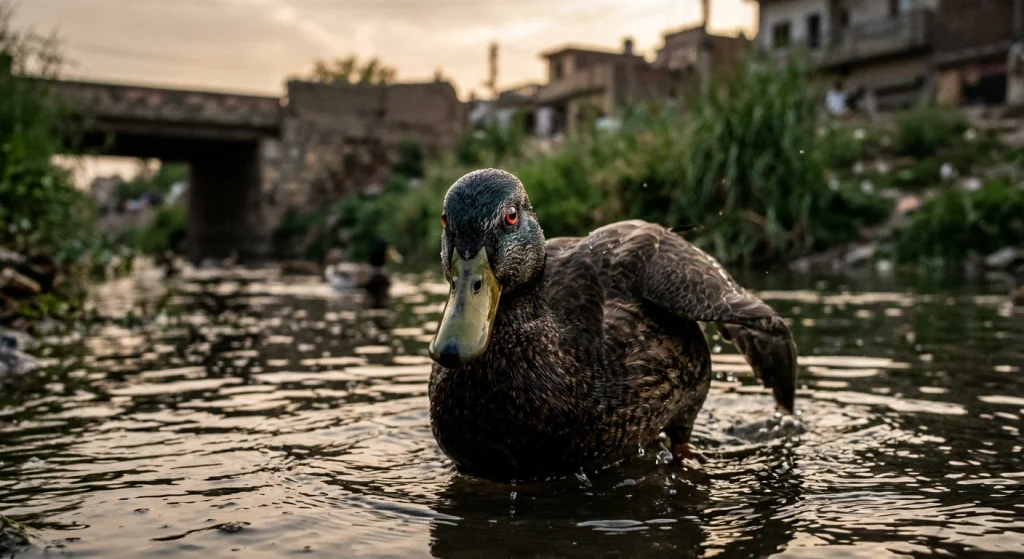
5. Duck With a Plan
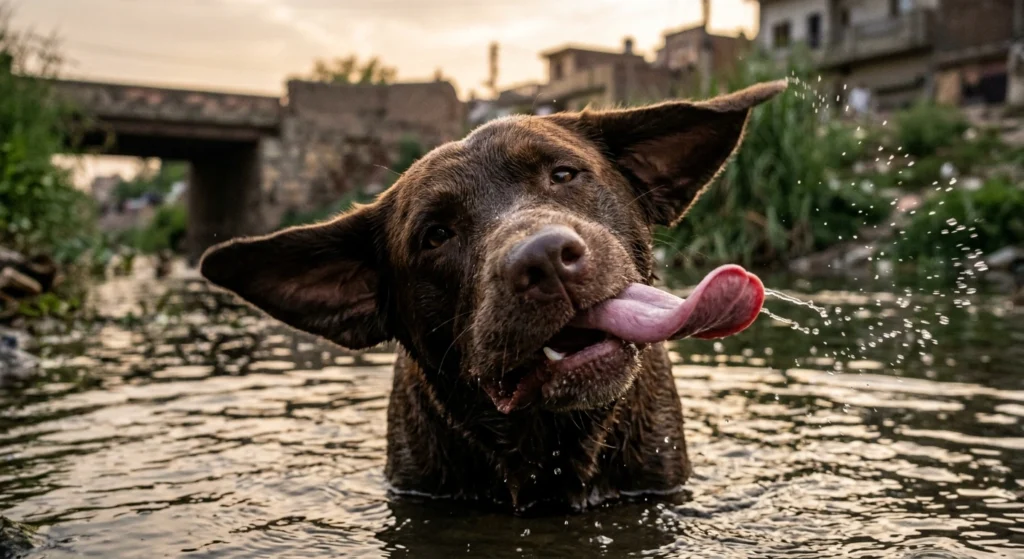
6. Sideways Dog Tongue
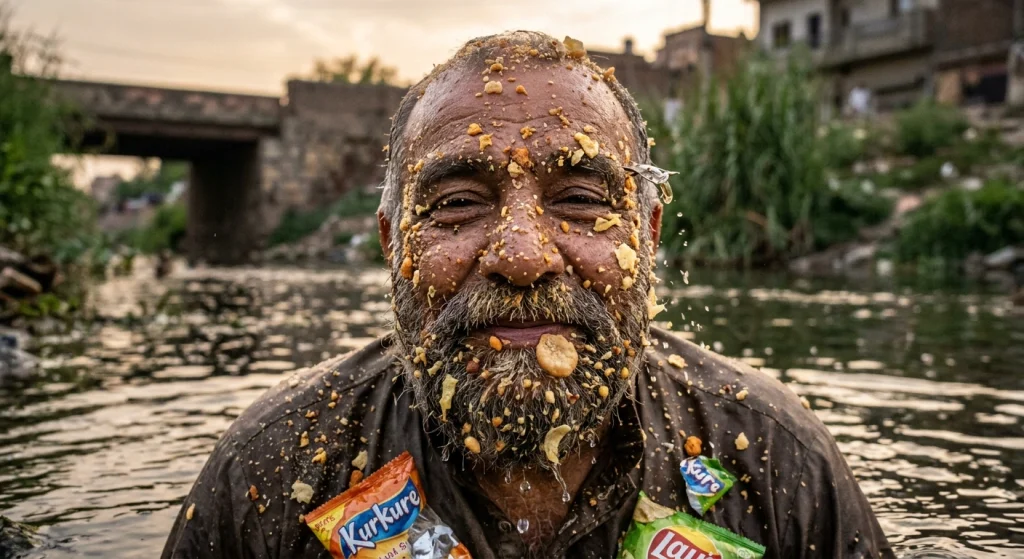
7. Crumb-Covered Face
Deadpan Goofy Ahh PFPs
No emotion. Maximum judgment.
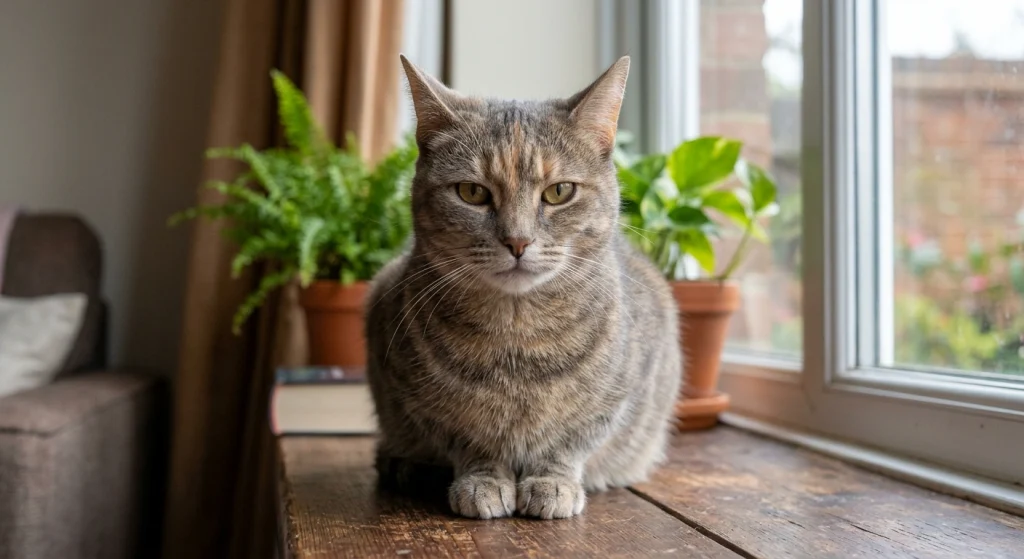
8. The Blank Stare Cat
9. Man in a Bucket Hat, Zero Expression

10. The Suspicious Side-Eye
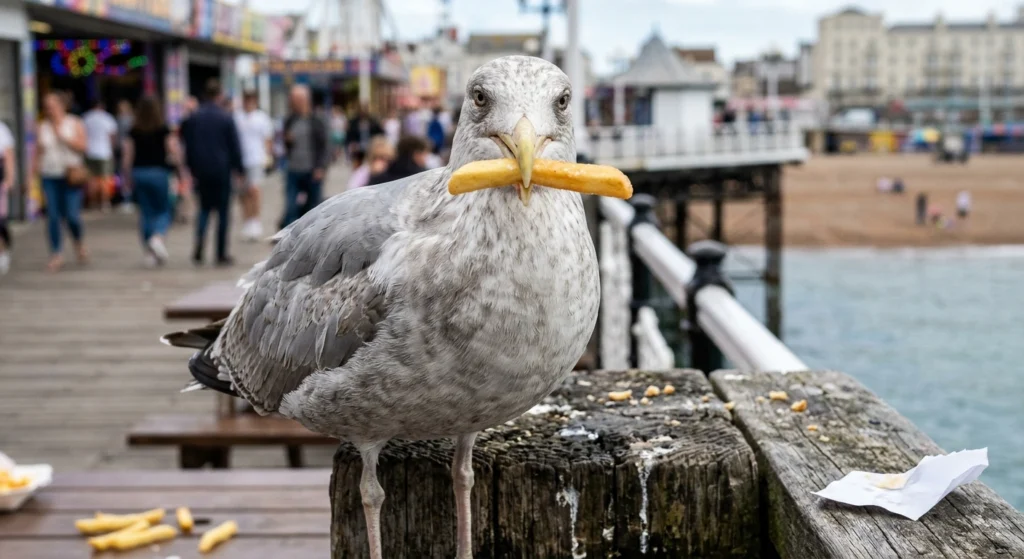
11. Seagull Holding a Fry
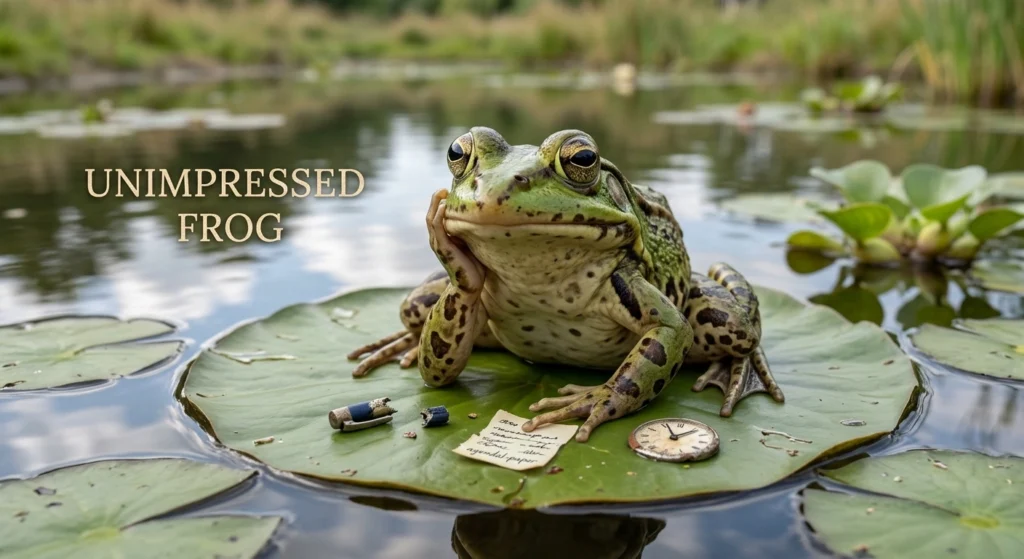
12. Unimpressed Frog
13. Awkward Group Photo Crop
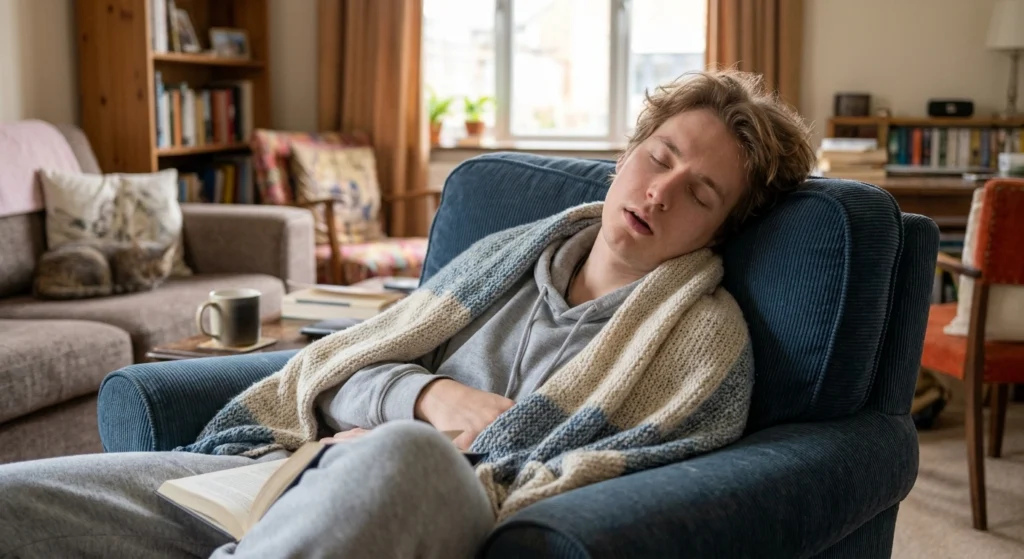
14. The Sleeping Roommate
Cursed Goofy Ahh PFPs
Slightly off. Hard to explain. Impossible to forget.
15. The Warped Face
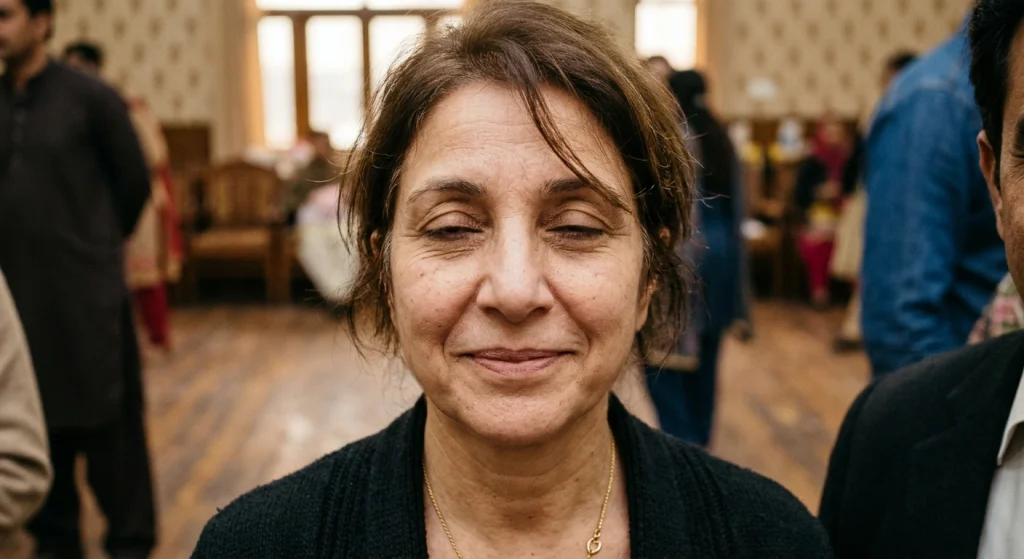
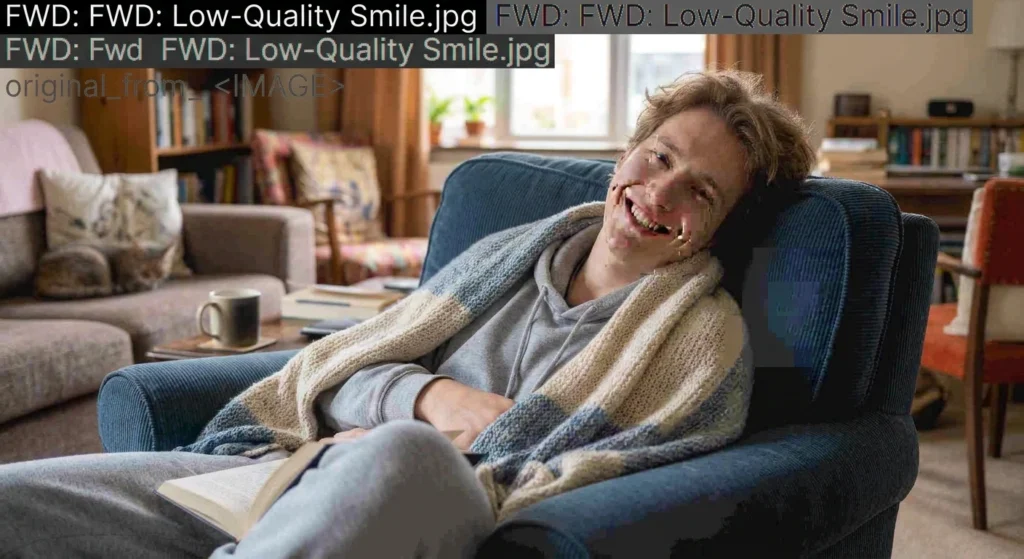
16. Low-Quality Smile
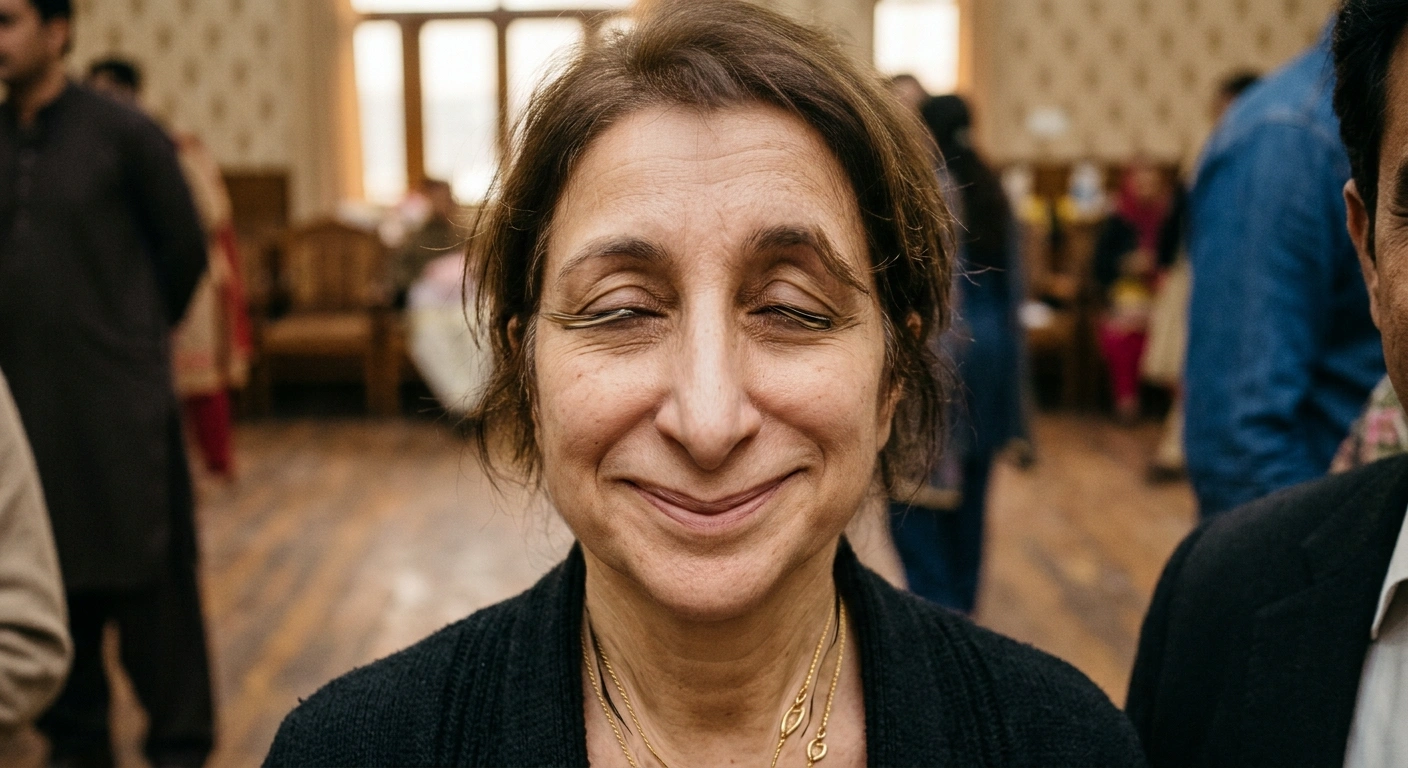
17. Too Many Teeth
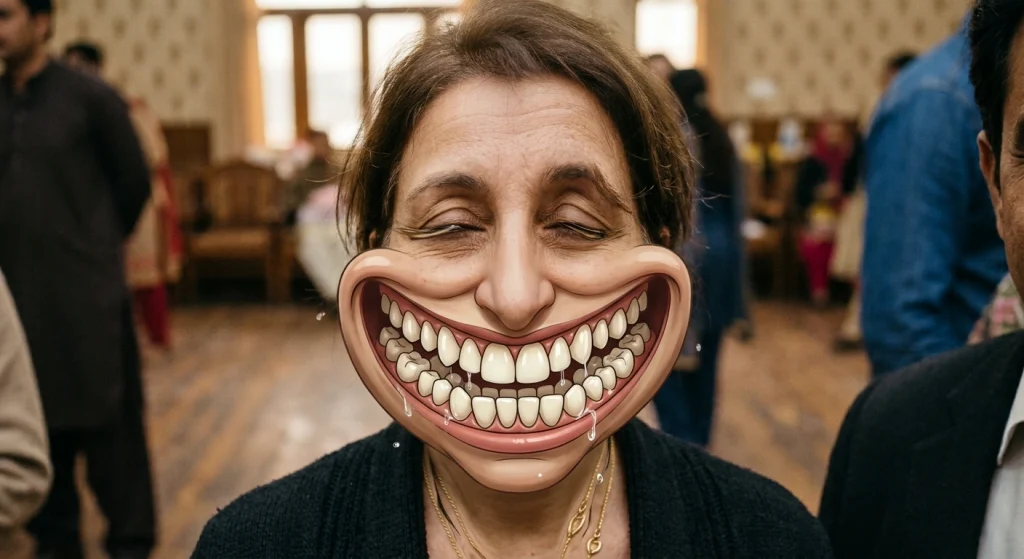
18. Glowing Red Eyes Pigeon
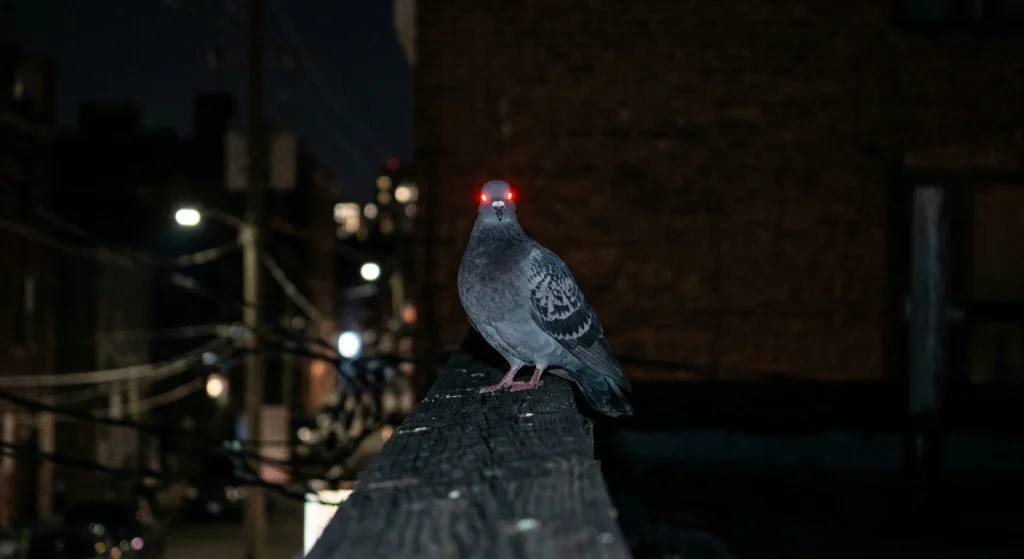
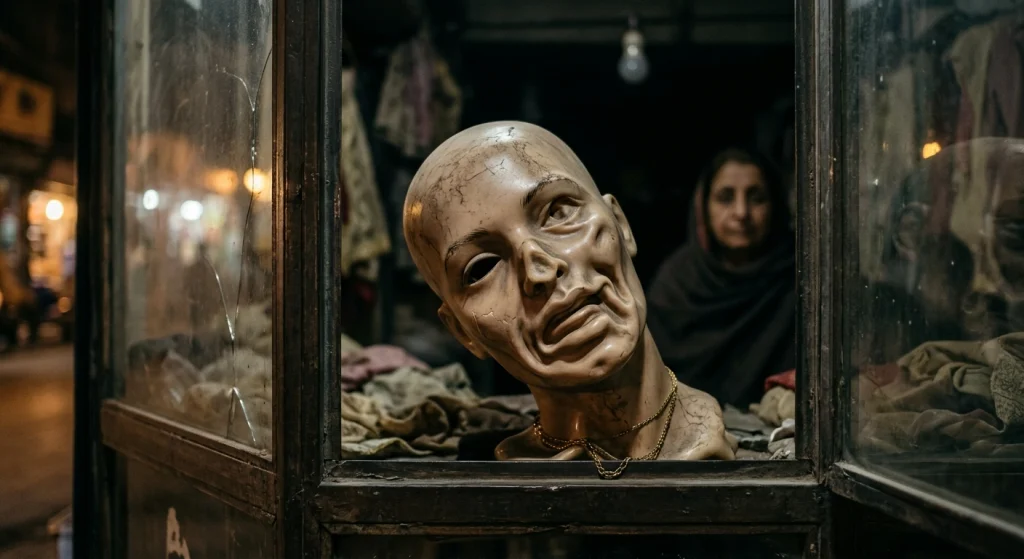
19. The Melted Mannequin
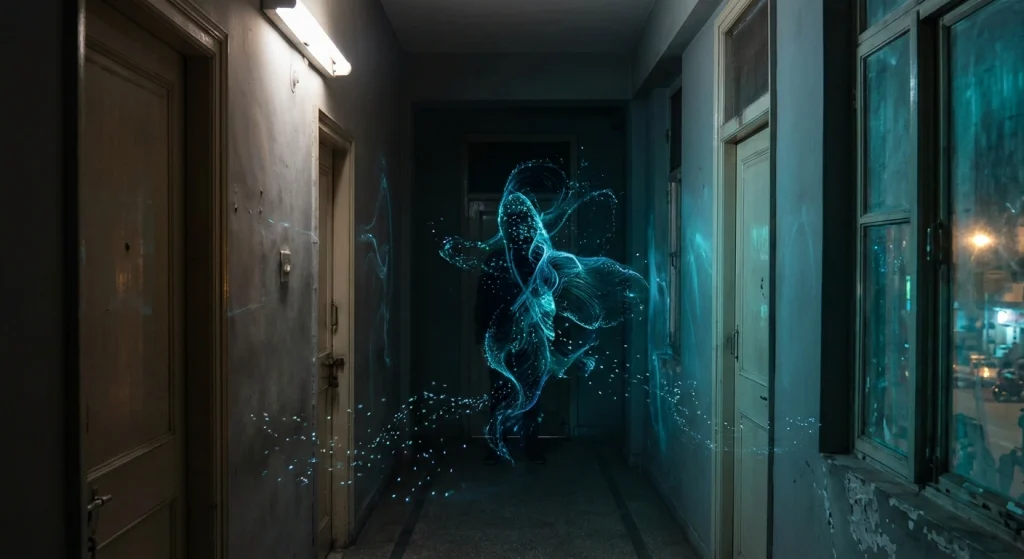
20. Blurry Hallway Figure
How to Save and Crop Your Goofy Ahh PFP
Getting the picture is easy. Making it look good in a tiny circle takes a few steps.
Saving it
- Phone: press and hold the image, then tap Save image or Add to Photos.
- Computer: right-click the image and choose Save image as.
Cropping it
- Open the image in any editor (your phone’s built-in editor works fine).
- Choose the 1:1 (square) crop.
- Put the funniest part (the eyes, face or main subject) in the center. Most apps round the corners into a circle, so anything near the edges gets cut off.
- Zoom in a little more than you think you need. Goofy pfps work best when the face fills the frame.
- Save, then upload.
Quick tips
- Aim for at least 400 x 400 pixels so it doesn’t look fuzzy.
- Don’t over-edit. A slightly rough look is part of the charm.
- Test it small. If you can’t tell what it is at thumbnail size, crop tighter.
Final Thoughts
Whether you went chaotic, deadpan or cursed, a goofy ahh pfp is the fastest way to show your personality with zero effort. Pick your favorite, crop it square, and let the group chat deal with it.
Want more? Browse the rest of our goofy ahh pictures collection for new picks every week.

MR Goofi is the founder of Goofy Ahh Pictures with 5+ years of experience in meme curation, image editing and viral content trends. He creates and organizes funny pictures, memes, PFPs, wallpapers and GIFs so every visitor can find the perfect laugh in seconds.